
How to Report Bugs in TalentRiver
Help us fix issues faster by providing a few key details whenever something doesn’t work as expected.
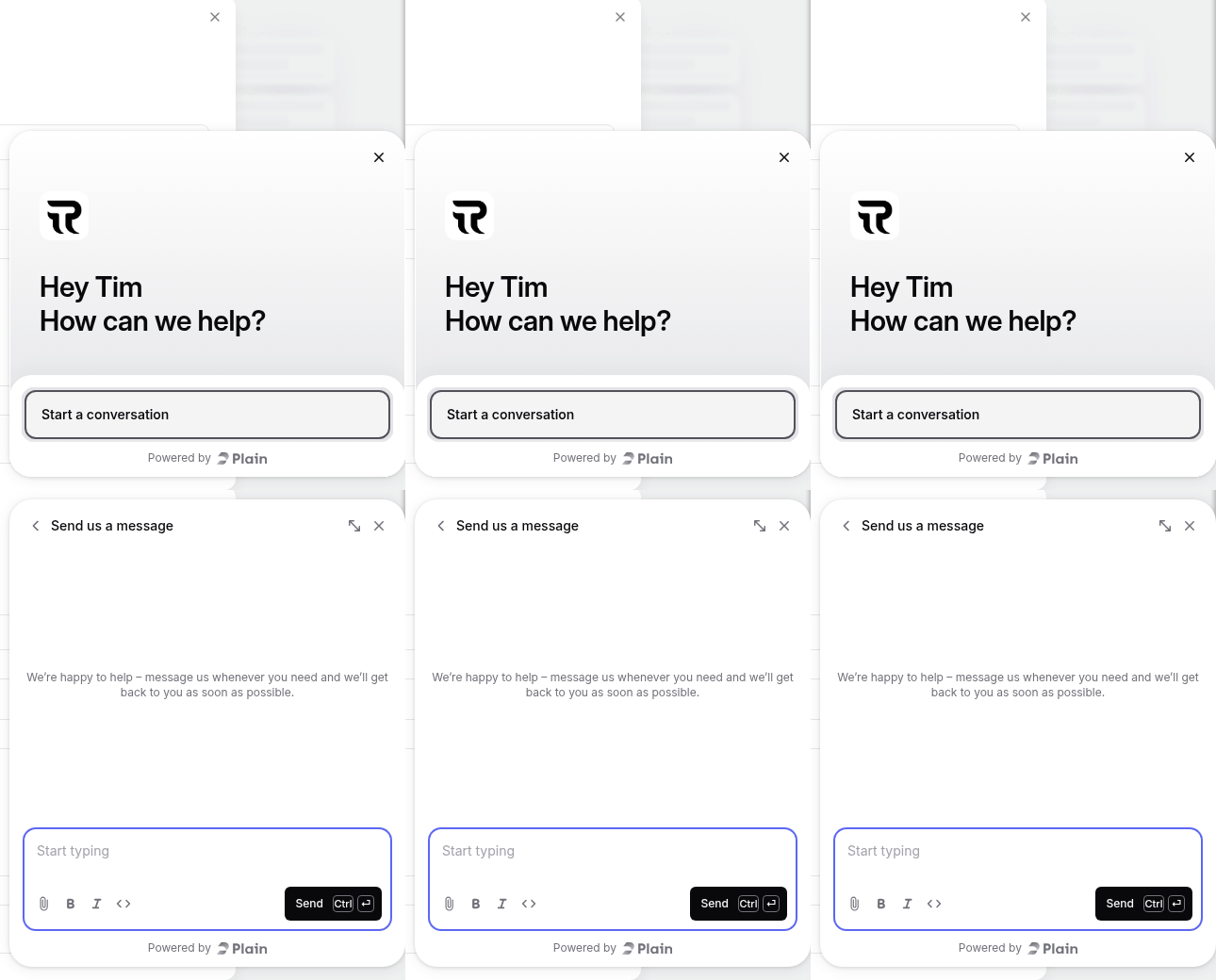
You can reach us via the bottom-right help bubble: Start a conversation / Send us a message (Powered by Plain), or email
support@talentriver.ai
What to Include in Your Bug Report
The fastest way to share technical information is to copy debug data:
Right-click the candidate’s image or initials (top left corner of the candidate card)
The message "Debug data copied to clipboard" will pop up in a window
This automatically collects details like:
Project URL
Candidate ID
Current view or step you were in
Paste this info into your message or email, then describe what happened.
Additional Details to add to the message or email
What you tried to do –> Describe your goal or action.
What happened instead –> Tell us what went wrong.
Visuals Are Super Helpful
Screenshots
Press
Windows + Shift + S(Windows)Or
Cmd + Shift + 4(Mac)
Screen recording
Use Loom, your phone, or any screen capture tool.
Error messages
Copy and paste any text or error pop-ups you saw.
Other Ways to Reach Us
Chat widget → Open the bubble in the bottom-right corner for direct support
Discord community → Request an invite for real-time help and updates
Slack integration → Invite us to your workspace via support@talentriver.ai
Microsoft Teams → Request Teams community access for integrated support
The more details you include — especially the debug data — the faster we can identify and fix
the issue.
Thanks for helping us make TalentRiver even better!