Skip to content
TalentRiver Help Center home

How to Export Candidates from TalentRiver

Need to share or analyze candidates outside TalentRiver? The export feature lets you quickly generate files for reporting, presentations, or deeper analysis — from any tab or view in TalentRiver.


Export a Candidate Shortlist

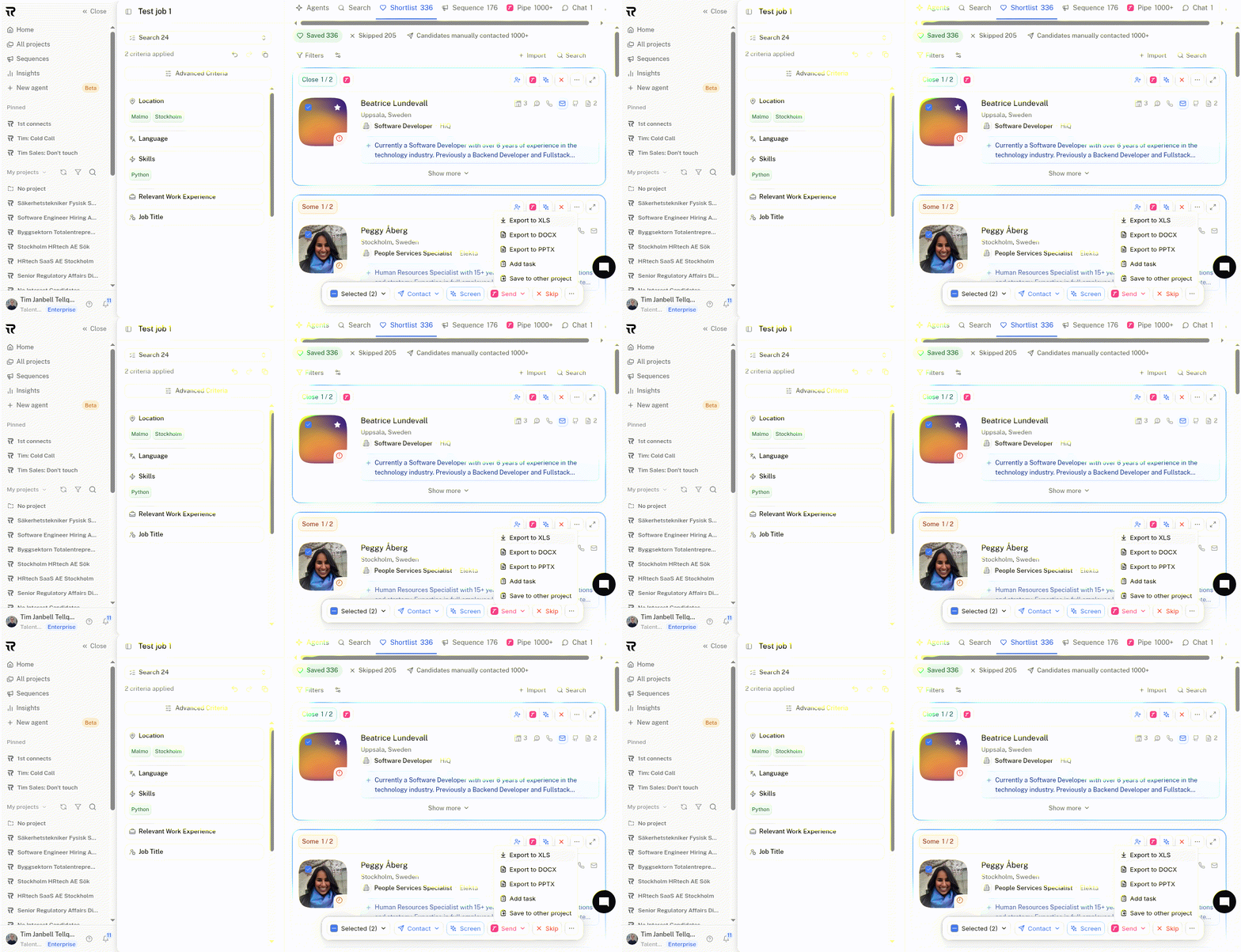
  1. Navigate to any candidate list - for example, Saved or Pipeline.

  2. Select the candidates you want to export by checking the boxes next to their names, or click Select All to export the entire list.

  3. Click the “…” menu in the top-right corner.

  4. Choose “Export to XLS” to download an Excel file (XLS) or a Google Sheets-compatible file.

  5. Open the file in Google Sheets for the best formatting and layout.

This allows you to easily share or analyze your candidate data in a structured format.

cursorful-video-1764081709145-ezgif.com-optimize.gif

Other Export Options

You can also export your candidate shortlist to:

  • DOCX - create shareable candidate summaries or detailed reports

  • PPTX - generate presentation slides for hiring managers or team discussions


With these export options, you can share insights, prepare reports, and present candidate shortlists - all directly from TalentRiver, without extra manual work.