Skip to content
TalentRiver Help Center home

How to Screen Incoming Applications

Receiving a lot of applications? TalentRiver makes it easy to review, prioritize, and manage incoming candidates coming from your ATS - so you can focus on the most relevant profiles first.


Step-By-Step

Screen applications faster

1. Apply Criteria filters

  • Use the Criteria tab just like when searching in Pool or Public.

  • Apply Must have, Nice to have, Exclude, or advanced filters.

  • Focus on candidates who best match your requirements.

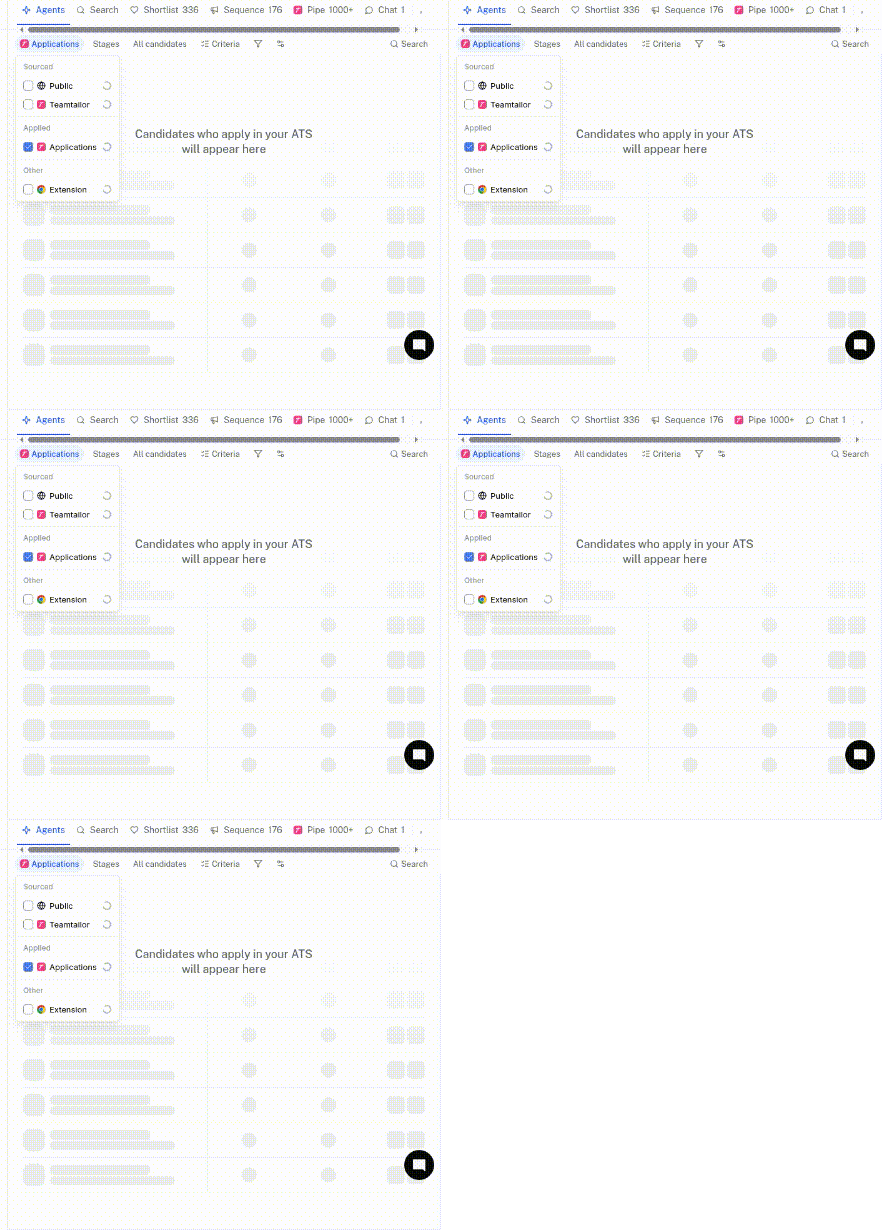
2. Open the Pipeline view

  • Click Pipe in the top bar.

  • This view mirrors your ATS pipeline.

  • See exactly where each candidate is in the hiring process.

3. Select the stage for new applications

  • Choose the stage "Inbox" where incoming applications arrive.

  • Start screening candidates efficiently from this stage.

4. Sort, filter, and evaluate

From here, you can:

  • Sort candidates by match score or other criteria

  • Filter using tags or criteria

  • Review profiles and move the best candidates forward by clicking Move in ATS and selecting the desired stage

cursorful-video-1764066043420-ezgif.com-optimize (1).gif

Using TalentRiver to screen incoming applications helps you prioritize top candidates, streamline your workflow, and keep your hiring process moving smoothly.